Updated
What is a pregnancy test inverter?
A pregnancy test inverter is a photo filter for the result window. It swaps light and dark, or shifts contrast and colour, so a faint line is easier to look at again. It does not read the test, add dye, or confirm a pregnancy. On this page the filter runs in your browser and the photo stays on your phone.
How to invert a pregnancy test photo
Take a clear photo of the test in daylight, inside the reading time printed on its leaflet. Open it here. The photo is processed on your phone, and Invert is applied as soon as it loads. The white strip turns dark and a pink or blue line becomes a light band.
Compare that view with the original, which stays one tap away, and with one other filter such as greyscale or the dye colour that matches the box. A line worth a second look runs the full width of the result window, is about as wide as the control line, and is still there in more than one view.
Frame the result window in the photo before you lean on High contrast. A whole bathroom photo includes tiles, hands and shadows, and a contrast stretch on that whole frame does very little for the test. Press and hold the photo, or use Compare, when you want the original beside the filtered view.
What does inverting a pregnancy test do?
Invert is a photo negative. Every channel is flipped, so pale ink on a white window becomes a light band on a dark window. That can make a faint coloured line easier to see. It can also make a shadow, a scratch, glare, an indent, or an evaporation line look like a band of dye.
Inverting cannot add dye, and it cannot make a test more sensitive. If there is no control line, the test is invalid. Inverting cannot rescue it. Use a new test. A home test read inside the leaflet time, or a GP or midwife, is what confirms a pregnancy. A filter does not.
Evaporation lines and indent lines can look darker when inverted. An evaporation line usually appears as the strip dries, often after the time on the leaflet, and is typically grey or colourless rather than pink or blue. An indent is the groove where a dye line would sit. Inverting removes the colour clue that helps you tell those marks apart, which is why the original photo still matters. Read more in the evaporation line guide, the evaporation line explainer, and the evap versus faint line quiz.
Which filter should I use on a pregnancy test?
Match the colour chip to the dye on the box. Pink dye tests, such as Wondfo and Easy@Home, use the pink-dye filter. Blue dye line tests use the blue-dye filter. Invert is the photo negative. None of these chips is a result.
| Filter | What it does | Use it to |
|---|---|---|
| Original | The photo as taken | Check colour before any filter |
| Invert | Swaps light and dark | Look again at a faint coloured line |
| Greyscale | Shape without room colour | Judge width and placement |
| High contrast | Stretches the mid tones | See a faint band take more of the range |
| Pink dye | Green channel as greyscale | Look at a pink dye line |
| Blue dye | Red channel as greyscale | Look at a blue dye line |
| Invert + contrast | Negative, then the contrast stretch | Take a second look, not a result |
Check the box for the dye colour before you pick a colour filter. Pink dye absorbs green light, so the pink-dye chip shows the green channel in greyscale and a pink line goes darker. Blue dye absorbs red light, so the blue-dye chip shows the red channel in greyscale and a blue line goes darker. Using the wrong colour chip does the opposite of what you want. Wondfo and Easy@Home strips are pink dye. Some Clearblue line tests are blue dye. A digital screen is not a dye line.
Greyscale uses ordinary video weights so you can look at shape without the colour of the room. High contrast stretches the mid tones of the photo so a faint band takes more of the range. Frame the result window in the photo first. A whole bathroom photo includes tiles, hands and shadows, and a contrast stretch on that whole frame does very little for the test. Invert plus contrast does the negative first, then that same stretch. Zoom, brightness, contrast, gamma and colour sit under the photo. Colour is there so you can check whether a grey evaporation mark still looks grey when you push colour, or whether a pink or blue line keeps its dye.
None of these is a result. They are ways of looking. If the line is only obvious in one filter, or only after inverting, treat that as a reason to retest, not as an answer.
What does a faint line look like before and after inverting?
Faint positive, pink dye
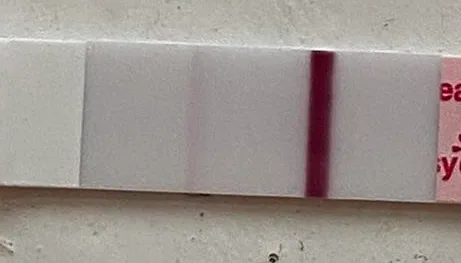
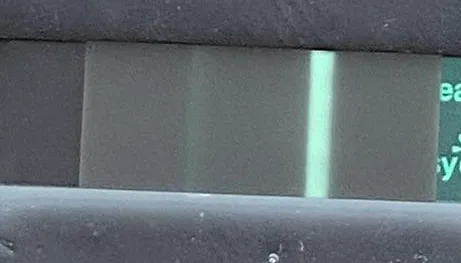
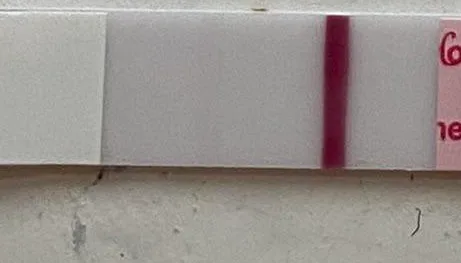
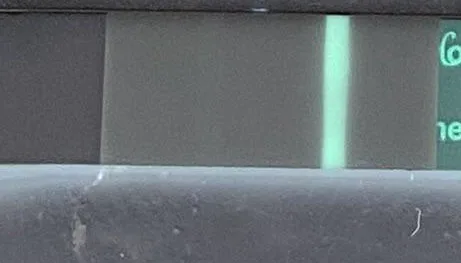
Pink colour and the full width of the window. The upper strip’s line is light and the lower strip’s line is darker. A light line can still be real.
Faint positive, First Response
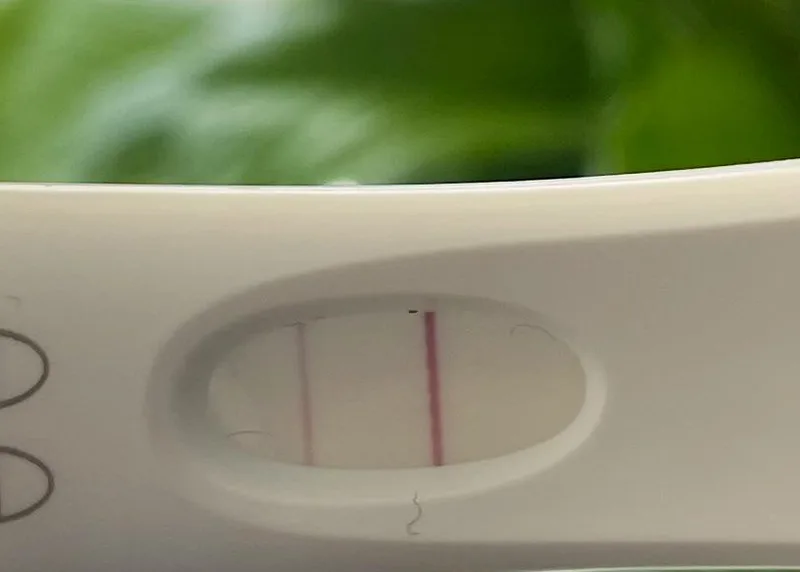
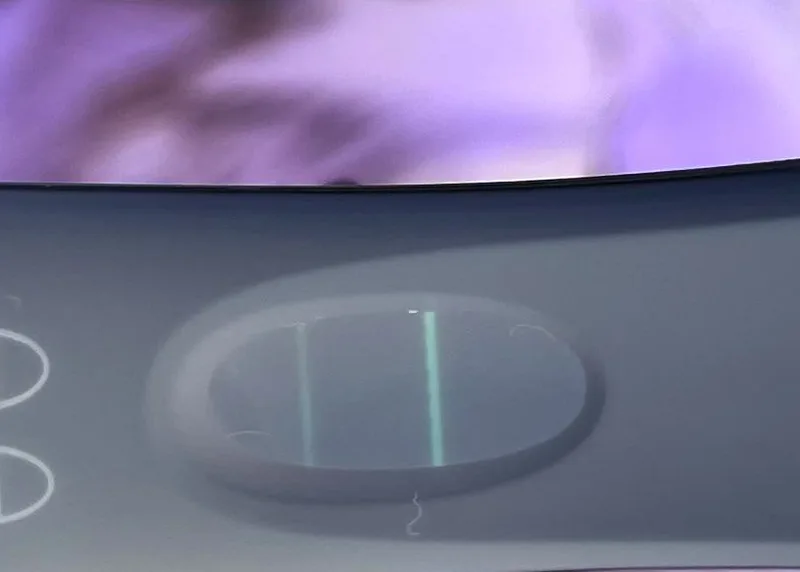
A thin pink line with colour, visible in the original photo before any filter. The hand and the room are cropped out.
Evaporation
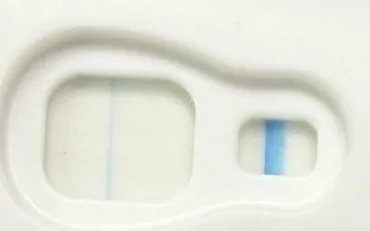
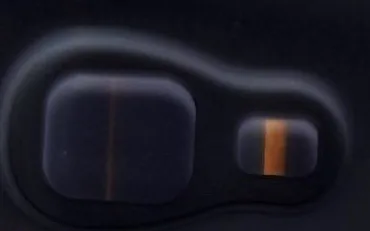
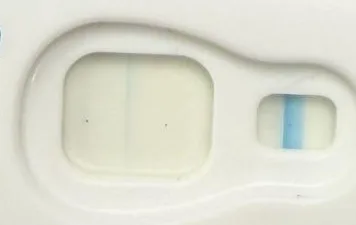
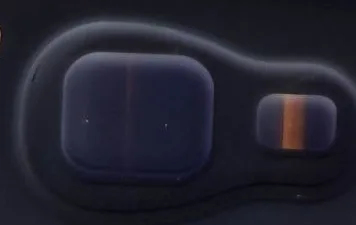
A thin mark can show on one photo and be absent, or much harder to see, on the next. Read inside the time on the leaflet. Inverting can make a thin mark look darker. It does not tell you the mark is dye.
Indent
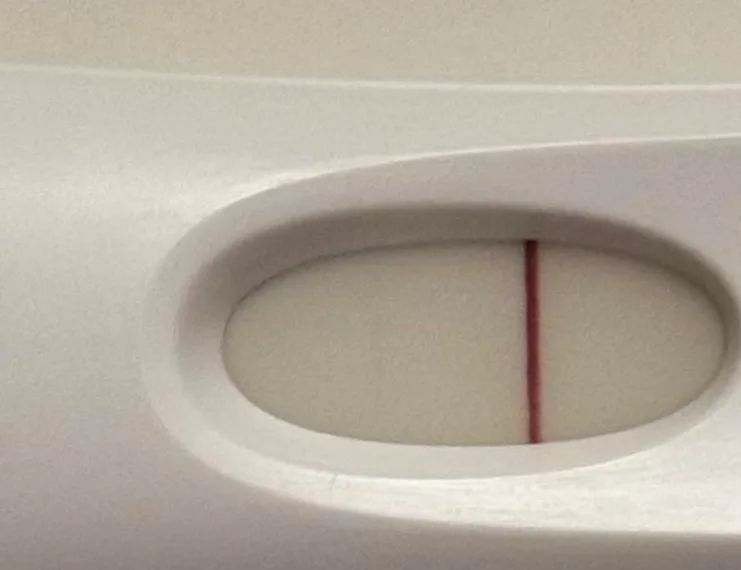
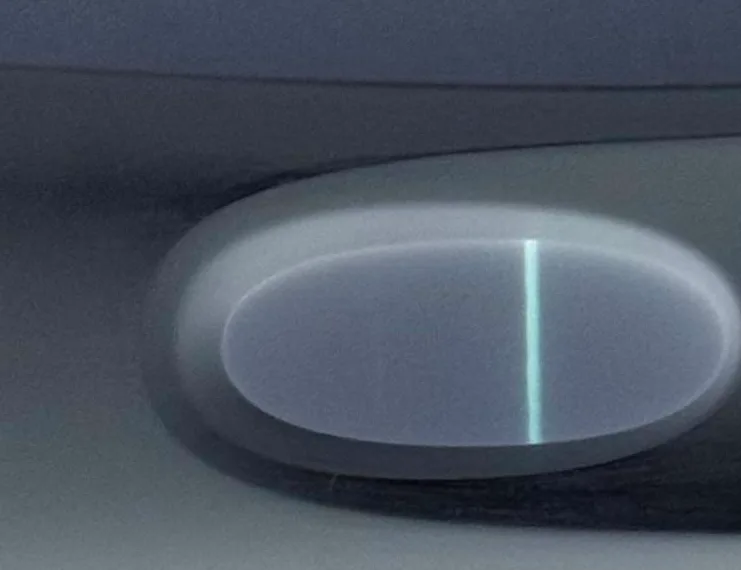
A thin mark that does not fill the window the way the control line does. The day written on the handle is outside the frame. A groove where the dye line would sit can catch the light. Inverting can turn that groove into a bright band.
Negative, the baseline


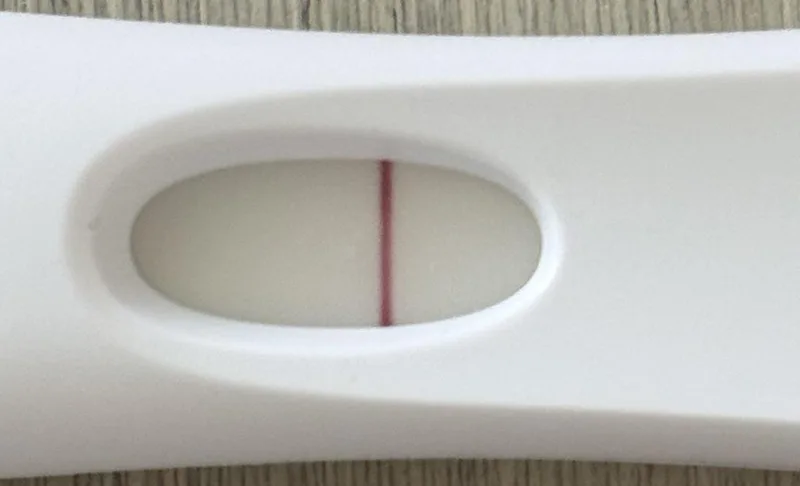
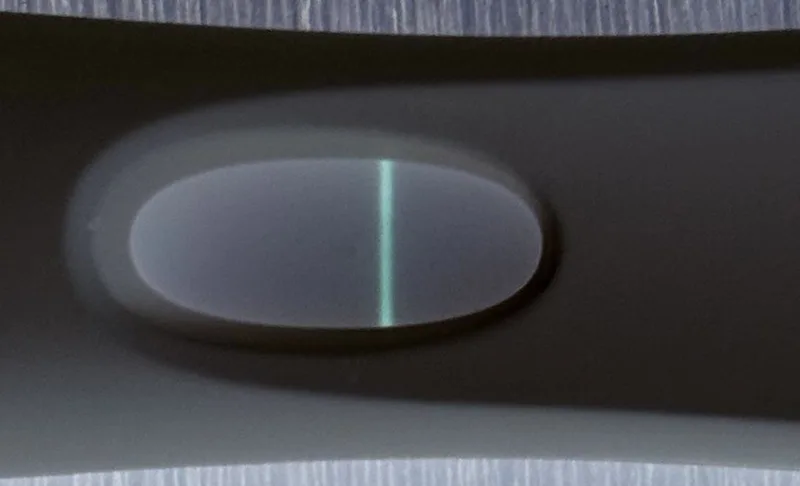
Control line only, on an Easy@Home strip and on a First Response window. Inverting does not add a second line of dye.
What if a line only appears after inverting?
Treat that as unclear. A line that is invisible in the original, or that shows in only one filter, is more likely to be an artefact: glare, an indent, or a mark that arrived as the strip dried. Shadows and the edge of the window invert into bands too.
The checklist under the photo is there for that check. Tick what you can actually see: the line in the original, the full width of the window, a width close to the control line, the same line in two or more filters, and a photo taken inside the read time. The wording that follows does not call the test positive or negative. It tells you whether a retest is the sensible next step.
If the photo was taken more than about ten minutes after you dipped the test, or the time stored in the JPEG is that far from now, the page says the photo may be outside the read window on the leaflet. Lines that appear late can be evaporation lines. The page does not hard-code a brand’s minute limit. Use the leaflet that came in the box. If you are unsure, use the retest planner and the should I test again quiz.
Do pregnancy test lines get darker?

Lines often darken as hCG rises. They do not always, and a single photo cannot promise that the next one will be darker. Compare tests of the same brand, taken with first-morning urine, about two days apart, and photographed inside the read window. Mixing brands, or comparing a morning test with an evening one, changes how dark a line looks.
This strip is the original view on purpose. Progression is about whether the line darkens over days, not about whether Invert makes one frame look stronger. You can add a filtered photo to a free collage in the line progression tool. The collage stays on your device. Read why a line often gets darker before you decide a stall means something is wrong. The pregnancy test calculator can help you pick a day to test again.
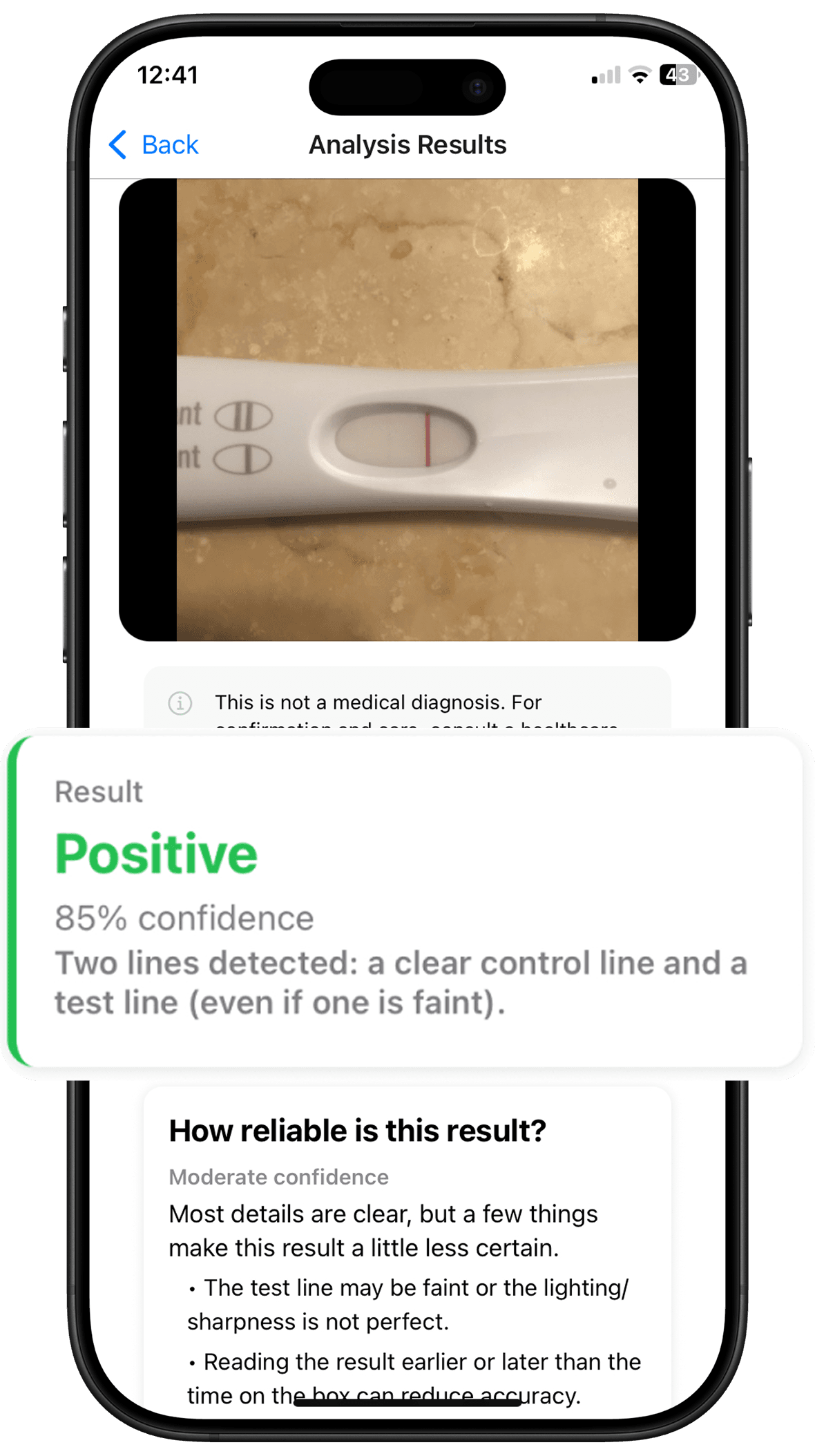
ClearLine
Want a second opinion
on the line?
Upload a photo and get an instant, clearer read.
When should I contact a GP or midwife?
After a positive home test, the NHS suggests you contact a GP, midwife or local maternity service. Their page on doing a pregnancy test covers when to test and what to do next. A faint coloured line inside the read window is still a line. Book the appointment, and retest with first-morning urine in a couple of days if you want to see whether it darkens.
A very early positive can be followed by a period. That can be a chemical pregnancy, an early loss. It is common, it is a real loss, and it is a reason to be gentle with yourself. A GP can talk it through if you want support. A filter cannot tell you that a pregnancy is continuing.
Get urgent help for heavy bleeding, severe one-sided tummy pain, shoulder-tip pain, or fainting. Those can be signs of an ectopic pregnancy. Contact a GP, call NHS 111, or call 999 in an emergency.
Frequently Asked Questions
Can inverting a pregnancy test show a line that isn't really there?
Yes. Inverting swaps light and dark across the whole photo, so evaporation lines, indents (the groove where the test line sits), shadows and glare can all turn into bright bands that look like a positive. Inverting cannot add dye or make a test more sensitive, so it cannot confirm a pregnancy. If a line only appears after inverting, treat the result as unclear and test again in a couple of days with first-morning urine.
Does an evaporation line show up when you invert a test?
It can, and it may look darker or more obvious than in the original photo. Evaporation lines form as the test dries, usually after the reading time on the leaflet, and are typically grey or colourless rather than pink or blue. Inverting removes that colour clue. Always read and photograph the test within the stated time, and retest if you're unsure.
Is a negative filter the same as inverting?
Yes. A negative filter is a photo negative: light areas turn dark and dark areas turn light. That is the Invert chip on this page. It is not a negative pregnancy result, and it does not decide whether a line is real.
Is my photo uploaded?
No. The filters on this page run in your browser. The photo is not uploaded, and nothing from the picture is sent with analytics. If you later choose an AI line read in the ClearLine app or on the web, that is a separate step and that read does upload the photo you choose there.
Can I use this on an ovulation test or a digital pregnancy test?
You can use the filters on an ovulation test (OPK) if you want the lines easier to see, but an OPK is read by comparing the test line with the control line, not by inverting the photo. A digital pregnancy test is a screen that already says pregnant or not pregnant. Invert is for a line in a result window, not for a digital display.